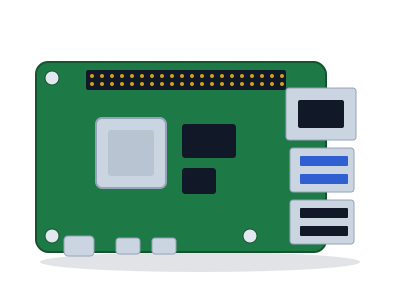
Raspberry Pi
Raspberry Pi 5
The recommended board for Abriu's hub: room to spare in memory and processing for years of running.
Compatible equipment
The hub, the face terminals, the gate relay and the camera recorder that work with Abriu. Abriu doesn't sell equipment: here you see the right model and buy it from the store you prefer.
What to buy
Every place has a hub. The rest depends on what it needs: pedestrian doors, the garage gate, the cameras.
The hub, with its power supply, card and case, and a UPS for it and the router.
A face terminal, the lock it drives, the power supply and the exit button. The door sensor is optional.
A Shelly relay on the gate's control board. The interface relay only when the board has no signal-light output.
A Hikvision recorder. If the place already has one, there is nothing to buy: it only needs to be registered in the dashboard.
A Raspberry Pi at each place runs Abriu: it keeps the records, talks to the terminals, the relay and the recorder, and reports to Abriu over the internet. It stays on all the time, with no keyboard, mouse or screen.
Raspberry Pi
The recommended board for Abriu's hub: room to spare in memory and processing for years of running.
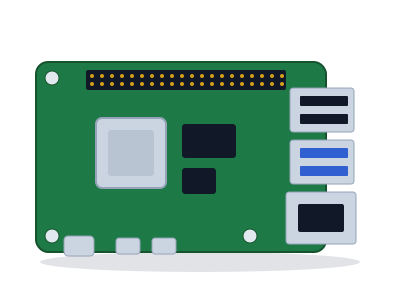
Raspberry Pi
The other recommended board for the hub: the Raspberry Pi 4 with 2 GB of memory or more.
Raspberry Pi
The official Raspberry Pi 5 supply. A phone charger lets the voltage drop, and under-voltage corrupts the hub's card.
Raspberry Pi
The official Raspberry Pi 4 supply, 5.1 V and 3 A. A phone charger lets the voltage drop and corrupts the hub's card.
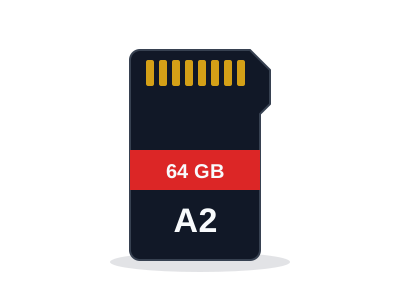
SanDisk, Samsung or Kingston
Where the hub's system lives: an A2 microSD card of 32 GB or more, from a well-known brand.
Raspberry Pi
The hub stays on all the time: a case with a fan, or one that works as a heat sink, keeps the board cool.
Intelbras, SMS or APC
A small UPS keeps the hub, the router and the terminals running when the power goes out.
One per door: it recognizes the face (and, depending on the model, a card, a QR code, a PIN or a fingerprint) and releases the lock. The dashboard sends them the records and reads the entries.
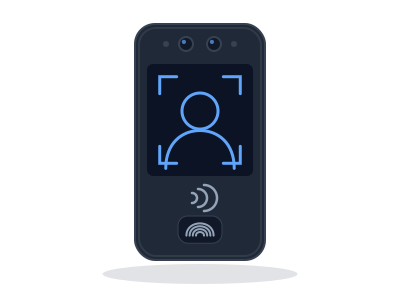
Hikvision
The terminal Abriu validated: face, Mifare card, fingerprint and PIN, and it reads the QR codes of invitations.
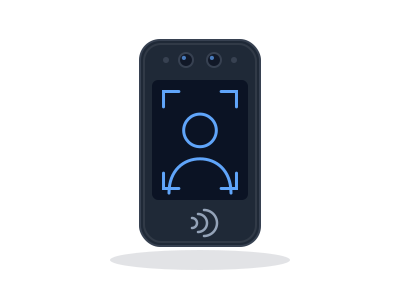
Hikvision
A compact Hikvision terminal, face and card, in use at Abriu installations. It has no fingerprint reader.
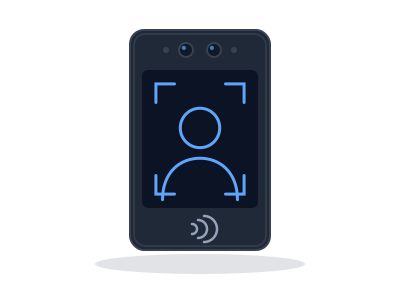
Intelbras
The Intelbras Bio-T terminal Abriu tested: face, card, QR code and PIN. It has no fingerprint reader.
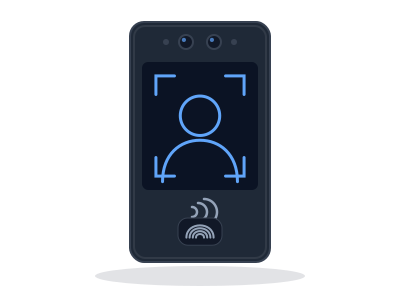
Intelbras
The SS 3532 MF's sibling with a fingerprint reader, of the same Bio-T line. It works with Abriu; its fingerprints don't yet.
What goes with each terminal: the lock it drives, the power supply, the exit button and the sensor that tells whether the door was left open.
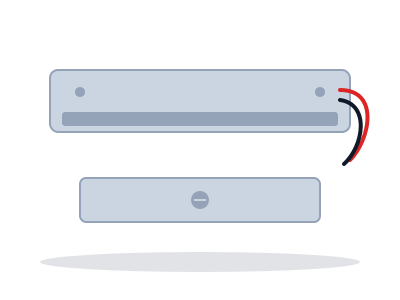
Any brand
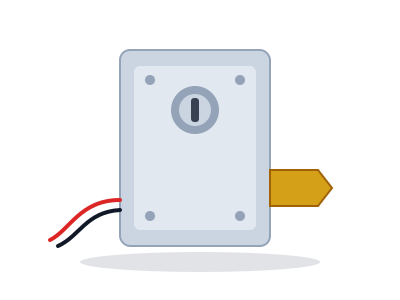
For glass and entrance doors: the magnet holds the door shut and lets go when the terminal releases it.
Any brand
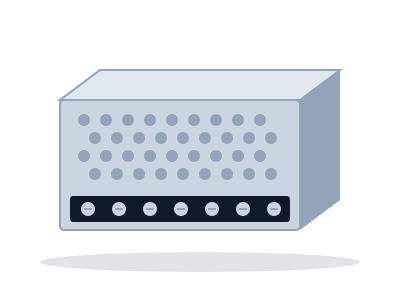
For gates and doors with a latch lock: the terminal sends the pulse and the strike frees the latch.
Any brand
One 12 V supply per door, with enough current for the terminal and the lock together.
Any brand
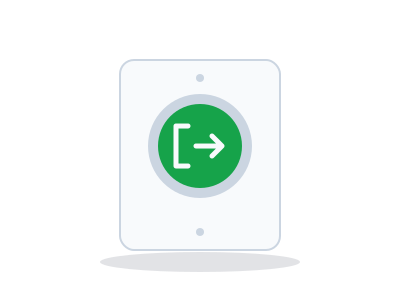
On the inside, wired to the terminal's button input: required to leave without identifying yourself.
Any brand
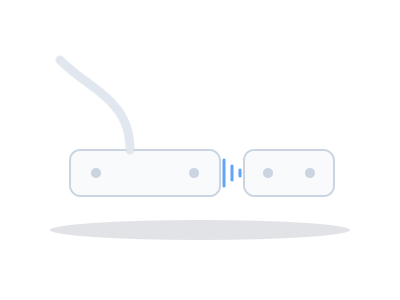
Optional: on the terminal's sensor input, it lets the dashboard show the door open and alert when it doesn't close.
A Shelly relay wired to the gate's control board opens the gate from the dashboard and the app, like the guard booth's button, and shows whether it was left open.
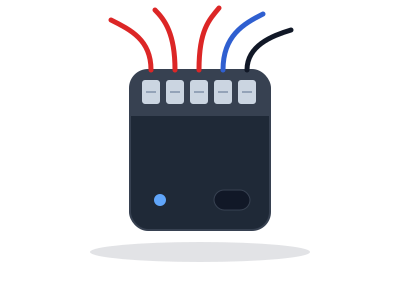
Shelly
The relay that opens the garage gate from the dashboard and the app, and shows whether it was left open.
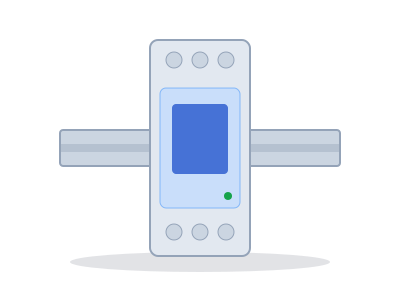
Any brand
Only when the gate's control board has no signal-light output: it links the gate's sensor to the Shelly at low voltage.
A Hikvision recorder in the dashboard: the cameras live, the recordings from any moment, and an alert when a camera, the disk or the recording stops.
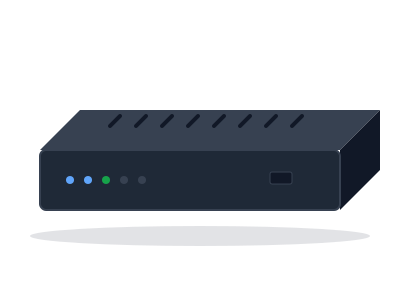
Hikvision
The camera recorder in use with Abriu: its 16 cameras live and recorded in the dashboard, with an alert when something stops.
No partner in your area?
Abriu doesn't depend on a partner near you. With the right gear, an electrician or installer from your area does the physical work, and Abriu takes care of the rest.
The models on this page are the ones Abriu tested or recommends. If in doubt, ask before buying.
An electrician or installer from your area mounts the hub, the terminals and the relay, following the installation guide, public and step by step.
Abriu registers the place, hands over the hub's installation code, watches everything remotely and provides support.
Questions